






Three stories and one rumor, and if you’ve been wondering which of ChatGPT’s new models you’re supposed to use for what, today you get the plain answer.
▶ LISTEN TO THIS EPISODE
In this episode
- Update: OpenAI’s GPT-6 Sol Handles Complex Multi-Step Jobs and GPT-6 Luna Handles Everyday Office Work; OpenAI Says They Cost About Half as Much to Run, and Both Live in ChatGPT’s Work Tab, Not Regular Chat
- Update: How to Set Up Meta’s Muse in Minutes, Connect Gmail and Google Calendar, and Keep Sends and Purchases on Approval, as Meta Pitches It Directly to Small Business Owners
- Google Appears to Be Testing an AI Box in Google Business Profile That Turns a Plain-Language Description of Your Hours Into Your Listing’s Structured Hours; Google Has Not Commented
Read the full transcript
Welcome to the AI Industry Report, daily AI news for small business, built by AI, about AI, from the Agentic Marketing Academy. It’s Friday, September 25th. Three stories and one rumor, and if you’ve been wondering which of ChatGPT’s new models you’re supposed to use for what, today you get the plain answer. Let’s go.
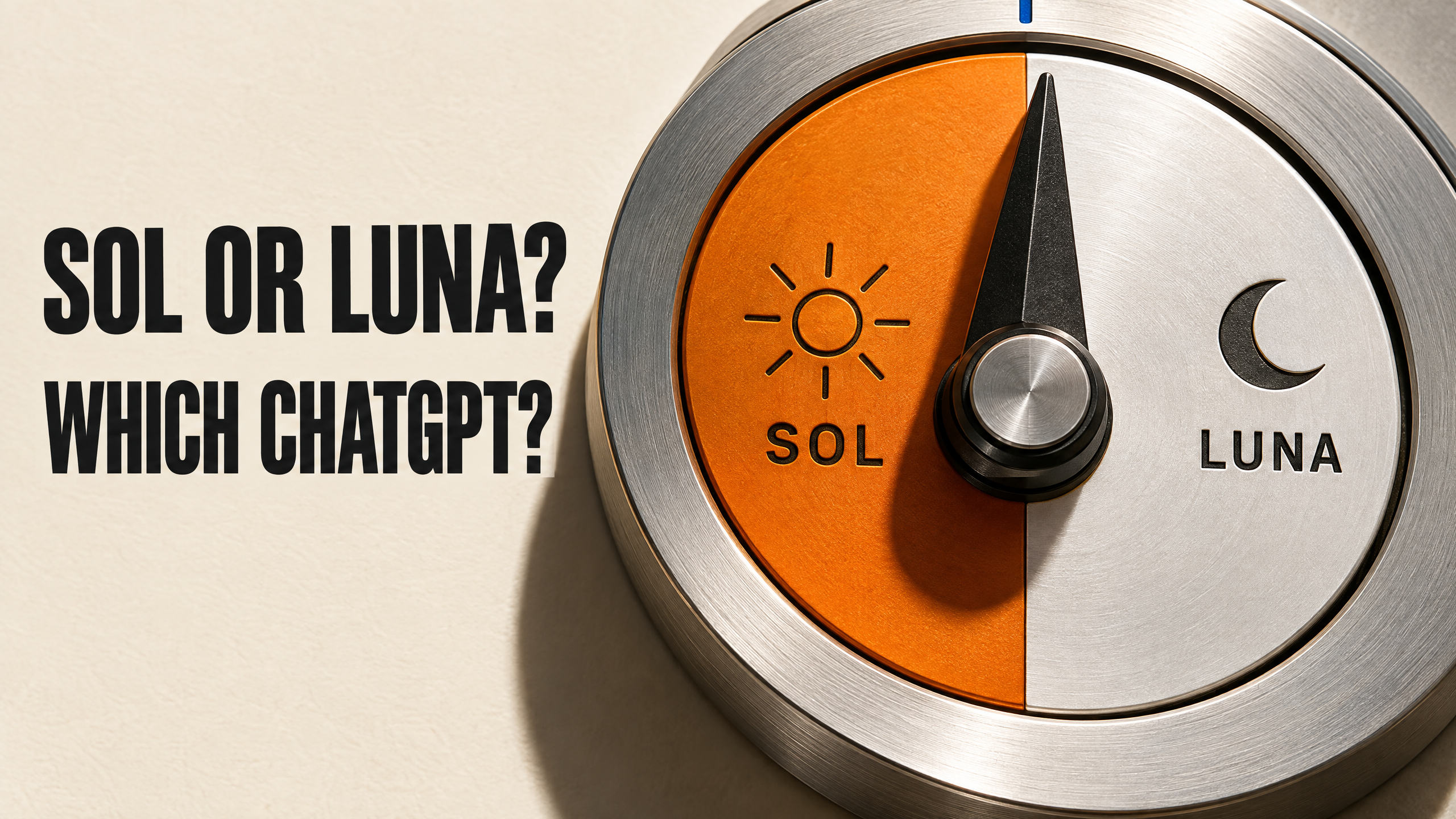
This week OpenAI shipped two new models, and the names don’t tell you much, so here’s the plain version. GPT-6 Sol is for the hard stuff: long jobs with a lot of steps, building things, anything where a mistake costs you. GPT-6 Luna is for everyday office work. OpenAI’s own examples are summarizing documents, pulling details out of them, and answering quick questions. So Luna is the one you hand a stack of invoices. Sol is the one you hand the project. Two numbers matter. OpenAI says the new models cost about half as much to run as the last generation, and it says Sol makes about half as many factual mistakes as the model before it. Those are OpenAI’s own tests, not independent ones. OpenAI also claims both beat Anthropic’s newest models, which came out ninety minutes earlier. Grain of salt, but it tells you how close this race is. Now, where are they? Not in regular chat. They live in the Work tab and in Codex on paid plans. On the free plan or Go, you can try Luna in the ChatGPT desktop app. So if you pay for ChatGPT and you’ve never opened the Work tab, that’s where the upgrade went. Source: OpenAI, September 22nd, via TechCrunch.
Now, Muse. Yesterday we covered what Meta announced. Today, what you can actually do with it. Inc. walked through the setup, and it’s a few minutes. Download Muse from Meta, or go to muse dot A I on a computer. Sign in with your email, phone, Instagram, or Facebook, and verify your age. Then connect Gmail and Google Calendar. From there it can sort your inbox, draft replies, schedule meetings, and keep going after you close the laptop. It also connects to Notion, Box, and Granola. Meta’s chief AI officer, Alexandr Wang, pitched it straight at you: it can help you run your small business, and you can walk away from your computer while it keeps working. More than two and a half million people have downloaded it. One caution before you hand over your inbox. Muse asks for your approval on big actions like sending an email or buying something, and Meta still hasn’t published the transaction fee it mentioned this week. So start with drafts and your calendar, and keep sends and purchases on approval. Source: Inc., September 24th.
Quick one before the rumor. Google looks like it’s testing an AI shortcut in Google Business Profile. A screenshot posted on X by Ayman Ali, and shared by Search Engine Roundtable, shows a box called Set your hours automatically. You describe your hours in plain words, like closed Sundays, nine to five weekdays, half day Saturday, and Google’s AI turns that into the day-by-day hours on your listing. Google hasn’t announced it or said who’s getting it, so if you don’t see it, nothing’s wrong. If you do, it’s the fastest way to get your holiday hours right before November. Source: Search Engine Roundtable, September 24th.
And one rumor. TestingCatalog reports Google is giving some trusted testers a new Tasks mode in the Gemini desktop app. That’s Gemini operating your computer for you, with a setting for which apps it’s allowed to touch, and a button to talk to it out loud while it works. TestingCatalog hasn’t used it yet, and Google hasn’t announced it. If it ships, ChatGPT, Muse, and Gemini will all be doing hands-on work on your computer. Nothing to do yet.
So here’s your one thing for today. If you pay for ChatGPT, open the Work tab and give Luna one boring job, like summarizing last month’s emails from your biggest customer. If it saves you twenty minutes, you just found your new assistant.
That’s today’s report. Transcript and every source linked at A I industry report dot com.
If you want your business to be the one AI recommends, the free checklist at the leveling window dot com is where everybody starts.
And full transparency, because we practice what we teach: this show is researched, written, and voiced by AI, built by our founder. We teach businesses what AI can do. This show is the proof. Hit follow, and tomorrow’s report finds you on its own.
Sources
- OpenAI launches GPT-6 Sol and Luna, via TechCrunch (Lucas Ropek, September 22)
- GPT-6 Sol and Luna availability, via OpenAI on X (September 22)
- Meta’s Muse setup walkthrough, via Inc. (Aaron Mok, September 24)
- Introducing Muse, via Meta (background)
- Google Business Profiles Tests Set Your Hours Automatically, via Search Engine Roundtable (Barry Schwartz, September 24; screenshot from Ayman Ali on X, Google has not commented)
- Gemini Task mode in testing, via TestingCatalog (Alexey Shabanov, September 24; Rumor Watch, Google has not announced it)
Want your business to be the one AI recommends? The free Agentic Readiness Checklist walks you through the 15 signals AI agents check, in plain English. Get it at thelevelingwindow.com.
The AI Industry Report is researched, written, and voiced by AI, built by the founder of the Agentic Marketing Academy. We teach businesses what AI can do. This show is the proof.